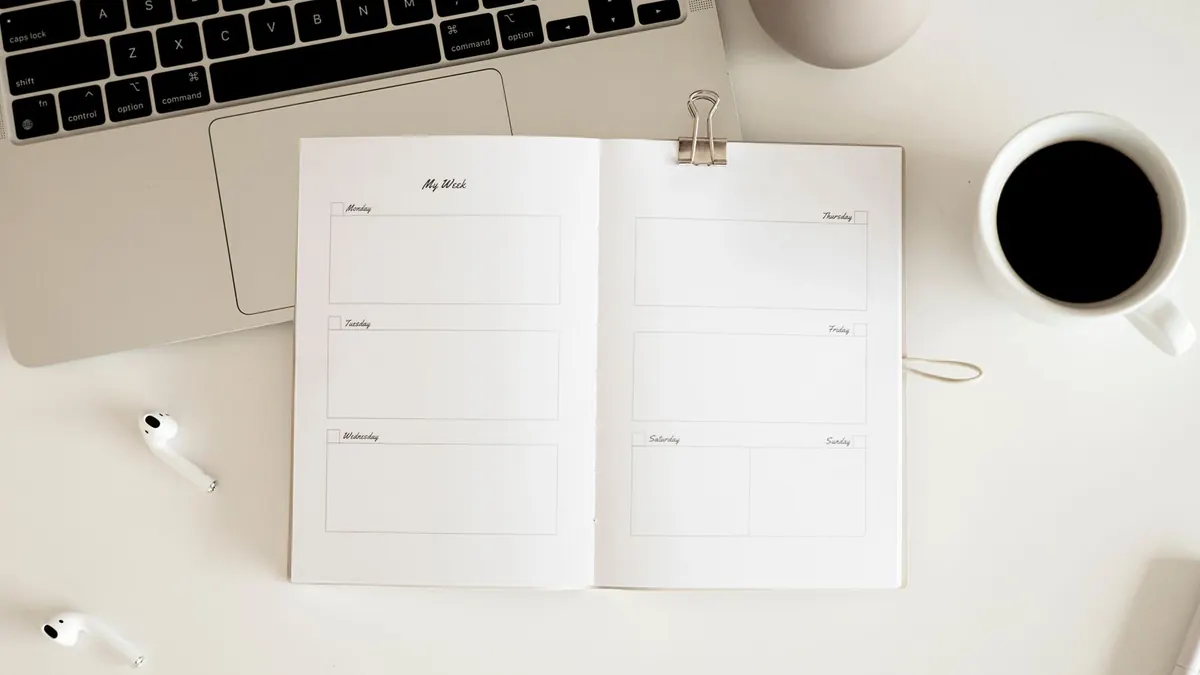
A monthly planner shows roughly 30 days on one page. A weekly planner shows seven days, with much more room for each one. Neither is better in general. The right one depends on whether your problem is seeing ahead or managing the details of each day.
Same plans, two layouts
Imagine two plans: a friend's birthday on Saturday the 17th, and a work report due Friday the 23rd. Here is how each one looks on the two layouts.
| Plan | On a monthly page | On a weekly page |
|---|---|---|
| Birthday on the 17th | “Sam bday” in the box | “Sam bday, dinner 7pm, bring card,” plus a reminder on Wednesday to buy a gift |
| Report due on the 23rd | “Report due” in the box | Mon: outline. Tue: draft. Thu: review. Fri: submit by 3pm |
The monthly page tells you the two things are close together, in back-to-back weeks. The weekly page tells you exactly what to do each day to get both done. That is the core difference: monthly is for spotting, weekly is for doing.
Choose monthly if…
- You have a handful of events each week and mostly need to remember dates.
- The calendar is shared, for example on a family wall.
- You plan ahead: trips, birthdays, school terms, bill dates.
Choose weekly if…
- Your days hold several tasks, appointments, or time blocks.
- You need room to break a project into daily steps.
- You plan on Sunday or Monday for the week ahead and review at the end.
Decision examples
- A parent tracking school events and activities for three children: monthly on the wall.
- A student with assignments, shifts, and study blocks: weekly at the desk, plus a monthly page for due dates.
- A freelancer with client deadlines: monthly for deadlines, weekly for the current work.
- Someone who sees the same routine every week: monthly is usually enough.
Using both without duplicating everything
Many people use both, and the risk is writing every item twice. A simple rule avoids that: dates live on the monthly page, steps live on the weekly page.
- Write fixed dates (birthdays, deadlines, appointments) on the monthly page only.
- At the start of each week, look at the monthly page for the next seven to ten days.
- On the weekly page, write only the steps or details those dates need.
- If a date changes, update the monthly page first, then the weekly page.
Making each in the maker
Choose Classic Monthly or Monthly 5-Day for months; both let you type short notes before printing. Choose Custom Weekly or Lined Weekly for weeks; those print with open space to fill in by hand. Weekly calendars start with the week containing the 1st of the start month you pick.
Make a weekly or monthly calendar