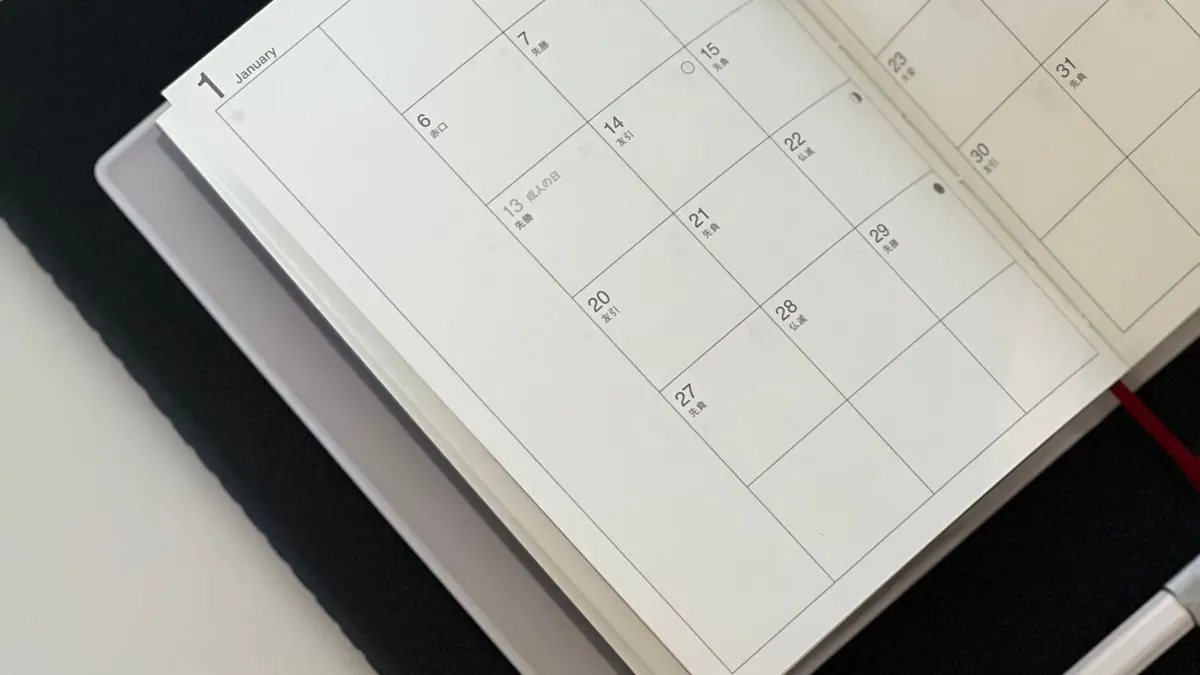
A weekly calendar gives each of seven days its own space, so you can plan the day in more detail than a monthly box allows. The trap is filling every hour. A plan that works on paper but ignores travel, delays, and energy will fall apart by Wednesday. This guide shows how to build a week you can actually follow.
Step 1: Write fixed commitments
Start with things that happen at a set time: work hours, classes, appointments, pickups. These are the walls of your week; everything else fits between them.
Step 2: Add travel and preparation time
An appointment does not take only the time on the booking. You have to get there, wait, and get back. Write that time down as its own entry. It is the time people most often forget, and it is why days feel shorter than they look.
Step 3: Choose one flexible priority per day
A flexible priority is an important task without a set time, like “call the insurance company” or “finish slides.” Choose one per day, not five. If you finish it, great; anything else is a bonus.
A sample day
| Time | Entry | Type |
|---|---|---|
| 9:00–12:00 | Work: focus block | Fixed |
| 12:00–12:30 | Lunch | Fixed |
| 2:15 | Leave for dentist | Travel |
| 2:45–3:30 | Dentist | Fixed |
| 3:30–4:00 | Drive back + buffer | Travel / buffer |
| Any time | Priority: send quote to client | Flexible |
Notice the 30 minutes after the dentist. That buffer is time deliberately left open so a late-running appointment does not wreck the rest of the afternoon.
Use an overflow list
Overflow is everything that matters but does not have a day yet. Keep a short list in a margin or on a sticky note. When a day turns out lighter than expected, pull one item from the list. This stops tasks from being copied from day to day until you stop believing your own plan.
How weekly pages are dated in the maker
- Choose Custom Weekly or Lined Weekly, then a start month and year.
- The first page is the week that contains the 1st of that month, using your Sunday or Monday start. For example, with a Monday start and November 2026, the first page runs Monday, October 26 to Sunday, November 1.
- Choose 1, 3, 6, or 12 weeks. Each further page is the following week.
- Weekly layouts print with space to write by hand; there are no typed notes on these pages.
A 10-minute weekly review
- Look back: what got done, what moved?
- Move unfinished priorities to a specific day next week, or to the overflow list.
- Write next week's fixed commitments and travel time.
- Pick one priority per day.
- Check each day for crowding: more than two fixed commitments plus travel is a warning sign.
Common mistakes
- Planning back-to-back with no travel time.
- Writing every task on Monday. Spread them out.
- Treating the plan as a contract. When something changes, rewrite it; the calendar is there to help, not to judge.