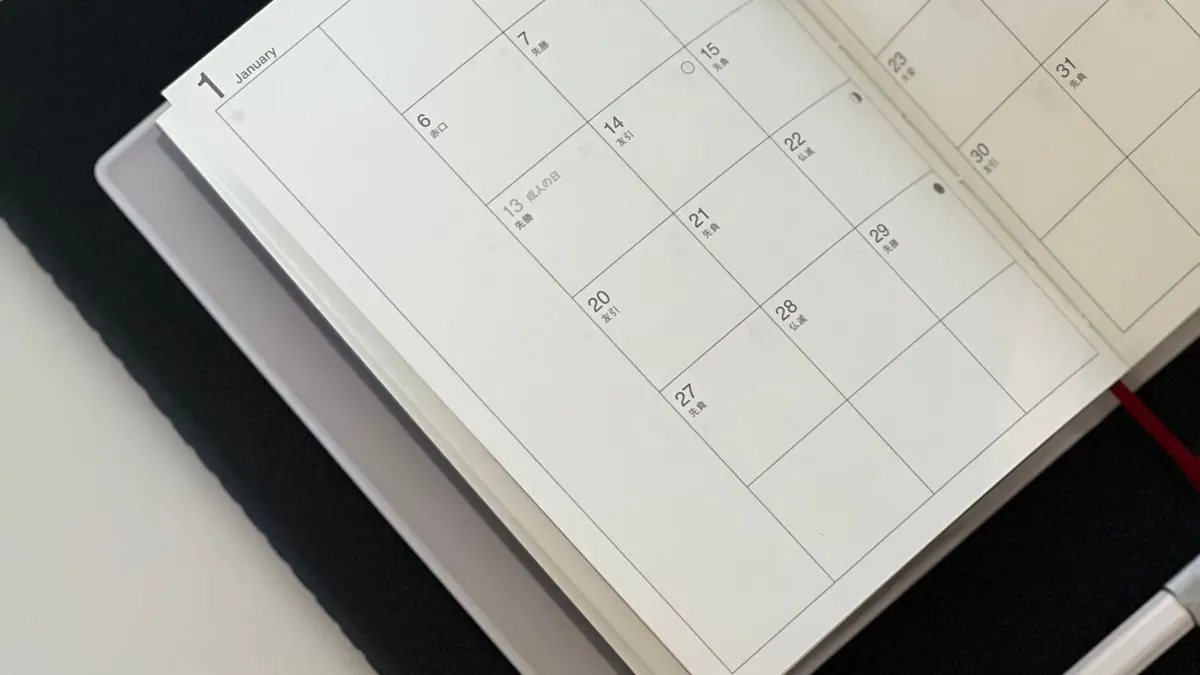
A yearly calendar shows all twelve months on one page. It is not for daily appointments; there is not enough room. It is for seeing the shape of the year: when trips, school breaks, birthdays, and big deadlines fall, and how much space sits between them.
Quick facts about 2027
- 2027 is a common year, meaning it is not a leap year. It has 365 days.
- February 2027 has 28 days.
- January 1, 2027 is a Friday, and December 31, 2027 is also a Friday.
Why do the first and last days match? There are 364 days between January 1 and December 31 in a common year: 365 dates minus the starting date. Because 364 = 52 × 7, you move forward exactly 52 weeks and land on the same weekday. In a leap year that gap is 365 days, so December 31 is one weekday later.
Dated vs. undated
A dated yearly calendar prints the real dates for a specific year, so you can rely on the weekdays. An undated calendar leaves dates for you to fill in. The maker's yearly layouts are dated: you choose the year, and each month shows the correct days in the correct columns.
What to put on a yearly page
- Birthdays and anniversaries.
- School terms and breaks.
- Planned trips and vacations.
- Big deadlines, like tax dates or project launches.
- Renewals: insurance, car registration, memberships.
Marking it by hand
The yearly layouts do not include typed notes, so you mark the page after printing. A small, consistent system keeps it readable:
- Circle single important dates, like birthdays, with a fine pen.
- Draw a thin line under a range of days for a trip or school break.
- Use a highlighter for deadlines, sparingly.
- Add a tiny key in the margin so everyone knows what each mark means.
Pair it with monthly pages
A yearly page tells you that a trip happens in the second week of July. A monthly page tells you which day you pack and who waters the plants. Many people keep the yearly view on a wall for long-range planning, and print monthly pages when they need detail.
Setting it up
- In the maker, choose Yearly Calendar, or Yearly Photo if you want one picture beside the months.
- Set the year to 2027 yourself using the year menu.
- Choose Sunday or Monday start. The same choice applies to every month on the page.
- Pick a color, or Rainbow for a different shade each month.
- Download and print. Yearly Photo requires the free email unlock for the photo upload.
Want to glance at all of 2027 on screen first? The calendar generator shows any year you type, with Sunday-start months, and you can print it from your browser.
View any year in the calendar generator